How do I get to see just the new action takers?
Often organizers want to track new additions to a list of people who have previously taken a specific action.
As an example, take the case of people who have signed up to attend an event. Every day a few email addresses are added to the list as people sign up. But the report of sign-ups lists everyone who signed up since day 1. We only want those who were not signed up the last time we looked.
Here is one simple way to do it. The first time you run your report to list those who signed up to attend, tag everyone on the first report with a unique tag.
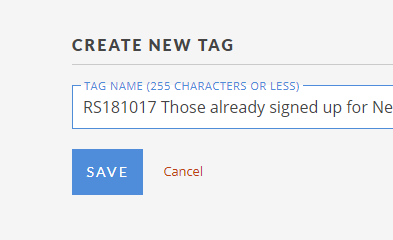
Create a “new signup report” targeting all those who have signed up AND EXCLUDING all those who are tagged “already signed up”. The resulting report will include only the new signups.
Don’t forget to add your unique tag to this “new signup report” also so that they too will be excluded on your future “new signup reports”.